01 / Your replay
See your form.
Your sets, ready to watch from multiple angles. Review the lift that felt off, replay the rep that finally clicked, or share it with a coach.
Every angle. Every rep. Yours to revisit.
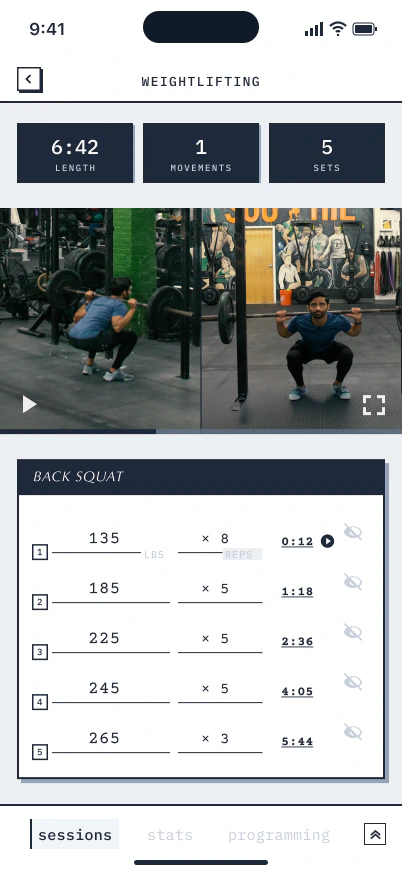
Your workout, from every angle

Morph at CrossFit Southie
Morph captures your workouts at CrossFit Southie automatically–giving you video replays, a record of progress, and highlights everyone can see.
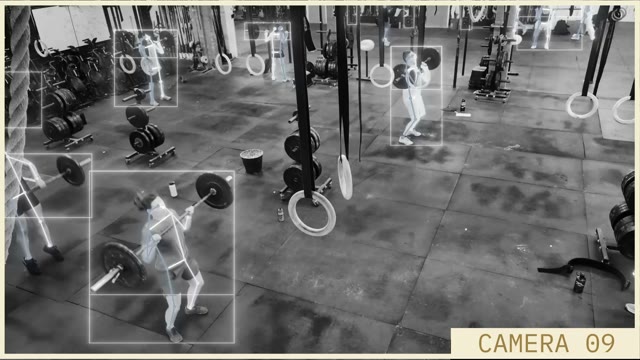
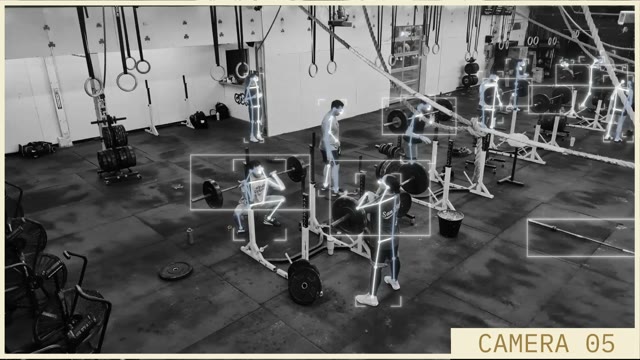
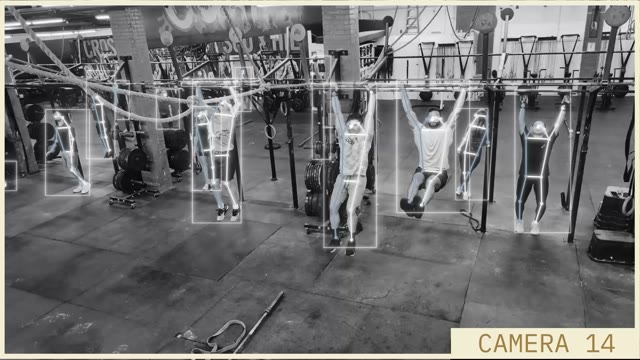
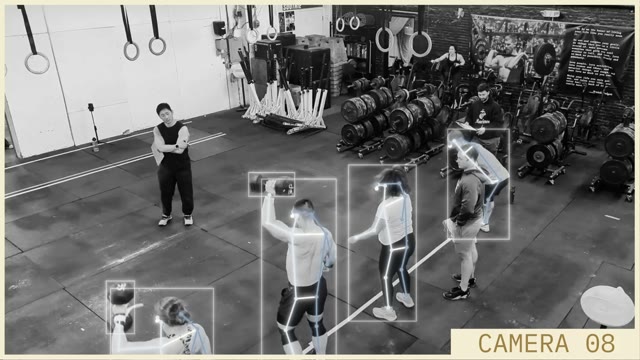
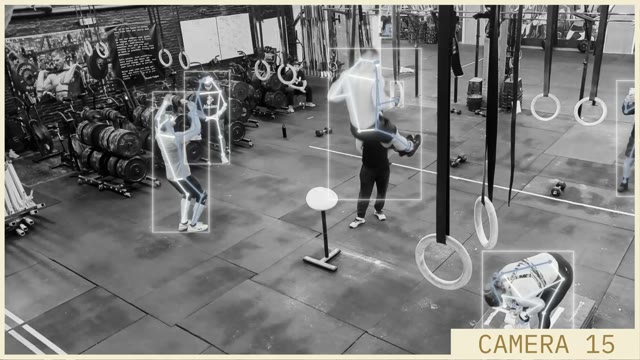
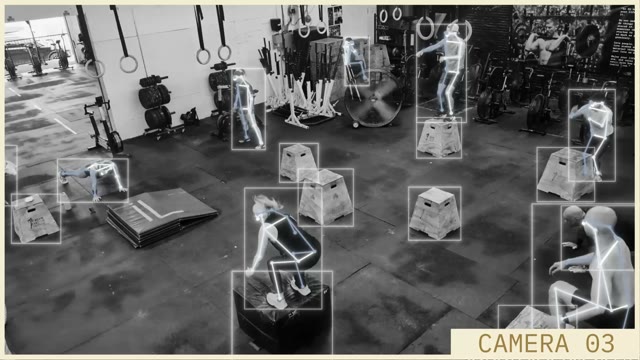
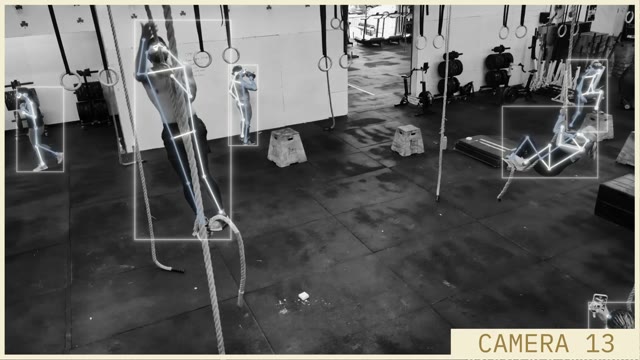
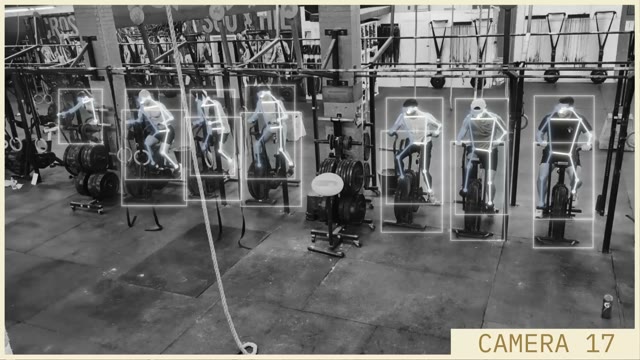
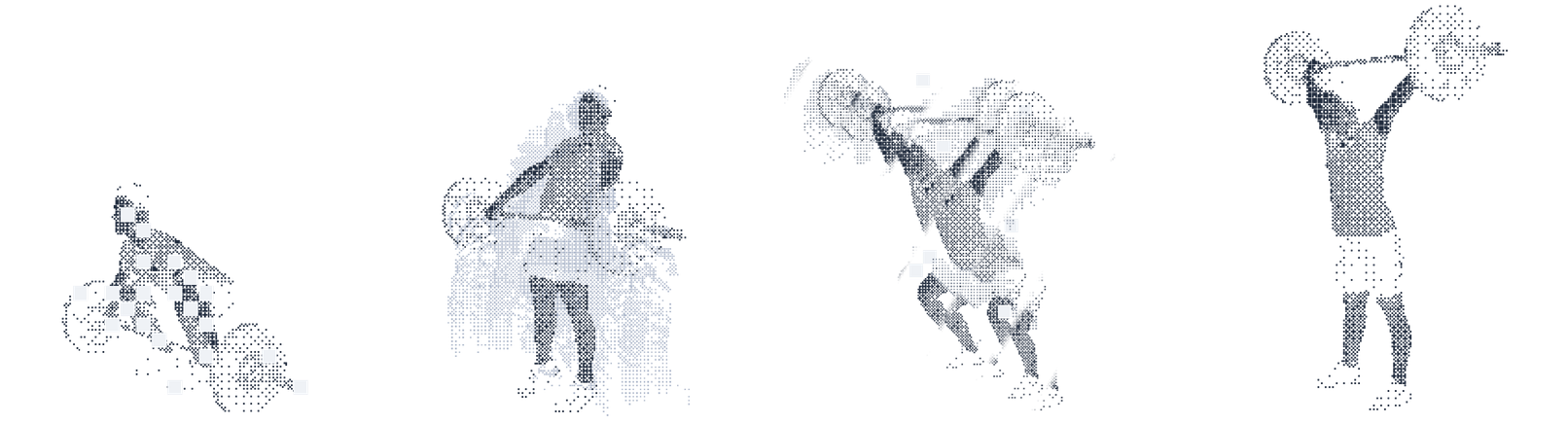
Morph uses cameras and AI to capture and analyze your workout automatically.
Eight unique looping views of athletes training at CrossFit Southie.

Your work, taking form
01 / Your replay
Your sets, ready to watch from multiple angles. Review the lift that felt off, replay the rep that finally clicked, or share it with a coach.
Every angle. Every rep. Yours to revisit.
Your workout, from every angle
02 / Your progress
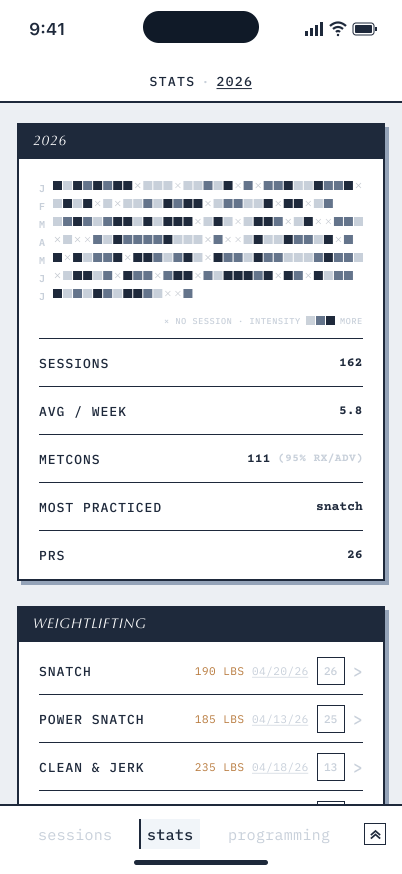
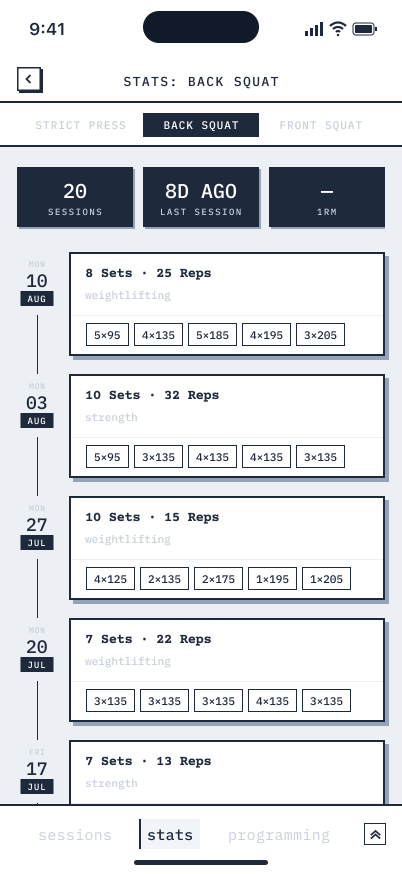
Your sessions, PRs, training frequency, and movement history build over time. See how far you’ve come, one workout at a time.
03 / Your moments
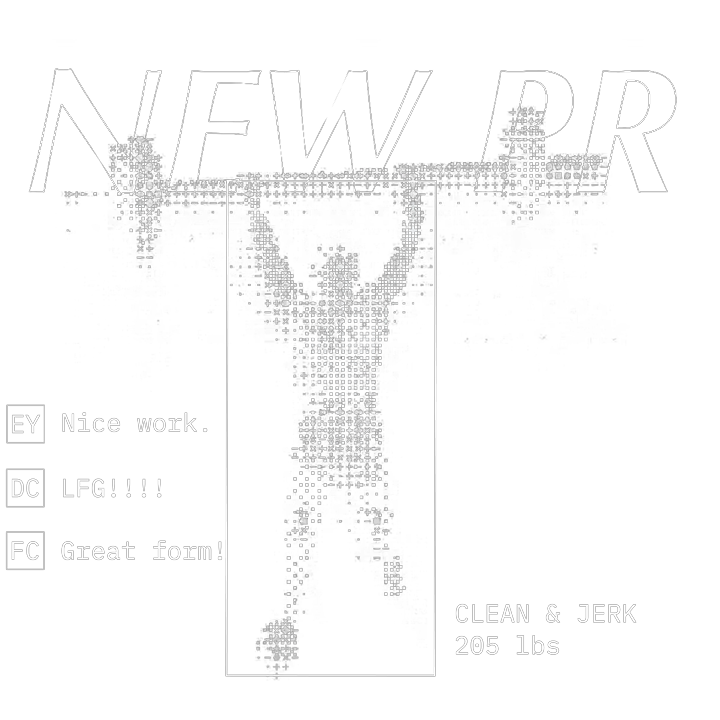
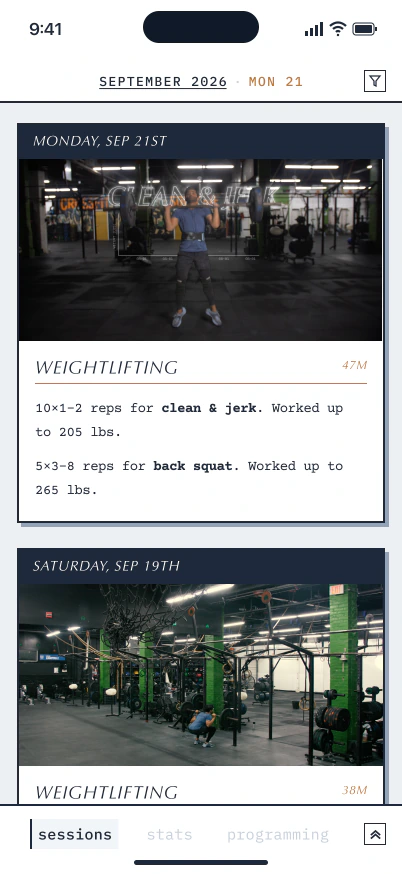
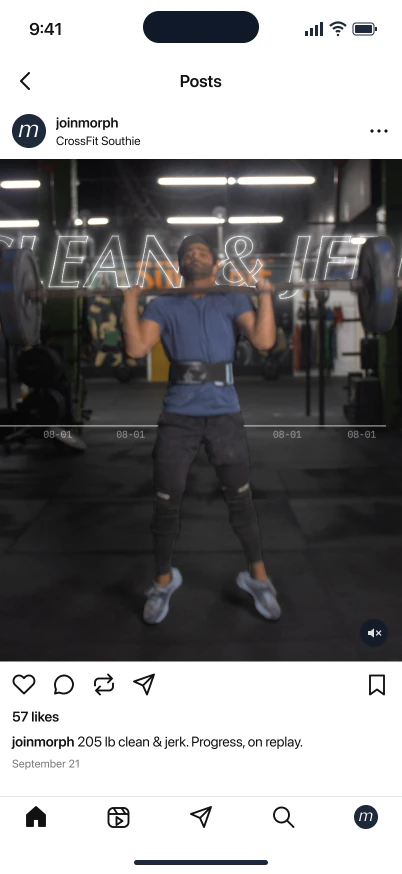
Every workout comes with a highlight reel of your best reps. Keep it for yourself, send it to friends, or post it on Instagram.

04 / Your community
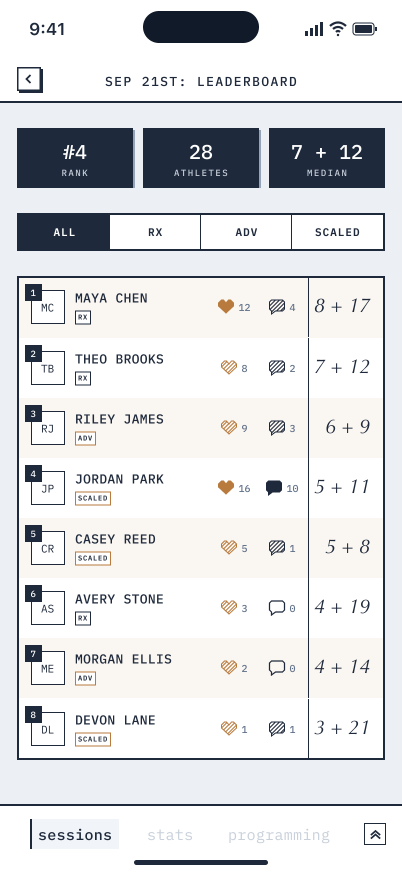
From the moments you share to the scores you post, your progress is part of the CrossFit Southie story.
Log your score, see how others did, and cheer each other on. Every result stays connected to your training.
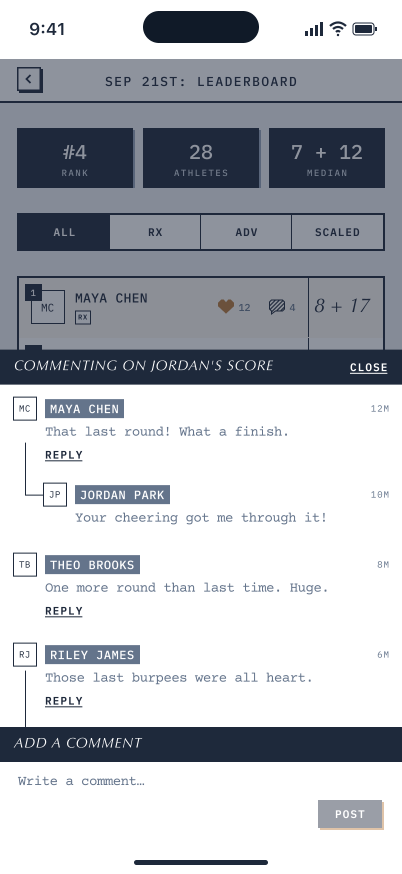
The Morph experience
All of CrossFit Southie’s programming is right in the Morph app.
Morph recognizes when you’re at CrossFit Southie automatically. Just walk in and do the work.
Morph’s advanced AI models analyze thousands of data points to know exactly what workout you’re doing. After your workout, you’ll see all of your reps and sets in the app.
E2MOM12
Box Squat
3 Reps
-Start at 75% and build through the 7 Sets
4 Rounds
3 Minutes Work:1 Minute Rest
Buy In:
Bike 18|12 Calories
Then
Ascending AMRAP
3 Deadlifts 225|155
3 Box Jump Overs
6 Deadlifts
6 Box Jump Overs
9 Deadlifts
9 Box Jump Overs
3 rounds
1:00 Active Pull Up Hang
1:00 Handstand Hold
1:00 Plank
1:00 Wall Sit
The people putting in the work
CrossFit Southie is the first and only gym in the world with Morph.
 Lexi HenrySouthie athlete
“As someone new to CrossFit, the Morph App has leveled up my training. It has been extremely valuable in looking back at workouts to improve technique, while also being a fun way to interact on socials. Keeping track of PRs has been a breeze and keeps me accountable to always aim to improve upon them.”
 Nick AlsopSouthie athlete
“I’ve always been intentional about my training, going back to my college football days. Morph has taken that to a new level. It recognizes me the moment I walk in, records everything, overlays my stats in real time, and keeps my next few sessions planned and accessible. The user interface is effortless.”
 Andrea DryerSouthie athlete
“Being able to see my lifts has been so helpful. With my history of injuries, Morph helps me see where my form needs work instead of ignoring it and risking making things worse.”
Start here
Your account is ready. Download the app and sign in with the email you use for SugarWOD to get going.
01
Get the athlete app for your phone.
02
Use the email where you received CrossFit Southie’s announcement. If that email needs to change, let Morph support know.
Email Morph03
Export your workouts from SugarWOD and send the CSV to Morph support. We’ll migrate your workout history into Morph.
See export stepsMorph support will help you get set up personally.
morph@odysseylabs.comQuestions, answered.
The practical details about using Morph at CrossFit Southie, keeping your history, and getting help when you need it.
Morph is your new place to see CrossFit Southie’s programming, log workouts, and follow your progress. The Southie leaderboard in Morph is replacing the SugarWOD leaderboard on October 5th.
Download Morph for iPhone or Android, then sign in using the email where you received Southie’s announcement. During your first login, you’ll choose whether to enable facial recognition and automatic workout tracking. If you need to use a different email, contact Morph support. See download options ↑
Yes. Export your workouts from SugarWOD and send the CSV to morph@odysseylabs.com, along with your name and Morph account email. We’ll import your past scores and workout history. You can get started with Morph before importing your history. See the export instructions →
No—posting scores is optional. If you want to log a result or participate in the Southie leaderboard, Morph is the place to do it.
If you enable facial recognition and automatic tracking, Morph uses your SugarWOD profile photo to recognize you at Southie and connect your workout videos to your account. In some cases, the Morph team will reach out for a new photo.
Yes. You can still view Southie’s programming, log your progress manually, and post scores to the leaderboard without enabling either feature.
Your workout videos are private by default—only you can see them in Morph. During onboarding or in Settings, you can opt into sharing them with the Southie community and on social media.
Email morph@odysseylabs.com for help with your account, photos, or importing your SugarWOD history.

